Android DECT Phone!!!!
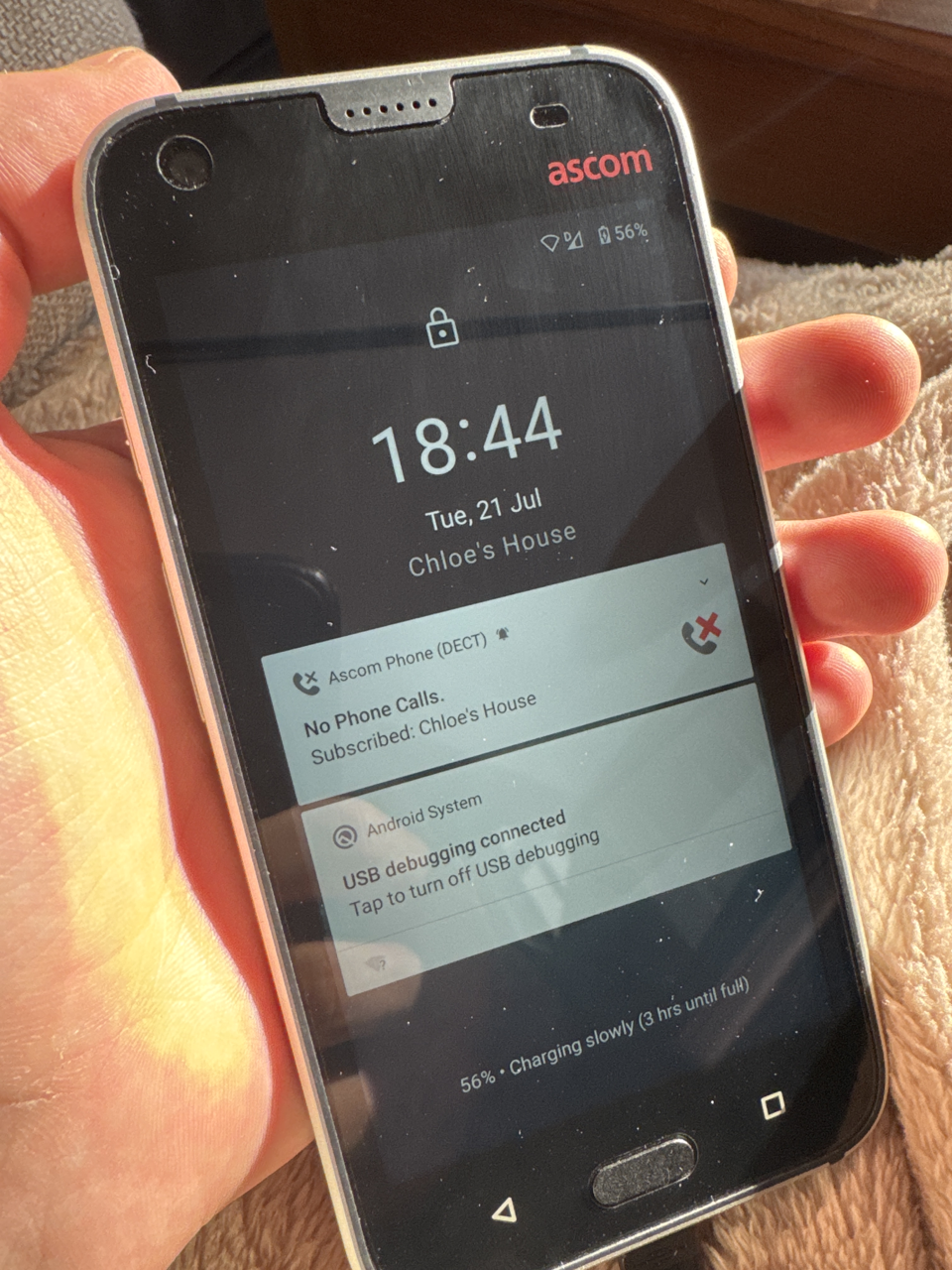
I grabbed an Ascom Myco 3 DECT off eBay for EMF. It's an incredible phone for events with some nice features to be made sense of (lacking documentation and support from the vendor).
It runs Android 10, contains a Mediatek MT6763 and a Dialog DECT chip (SC14445?).
These are some quick notes about how some of its features work (or don't).
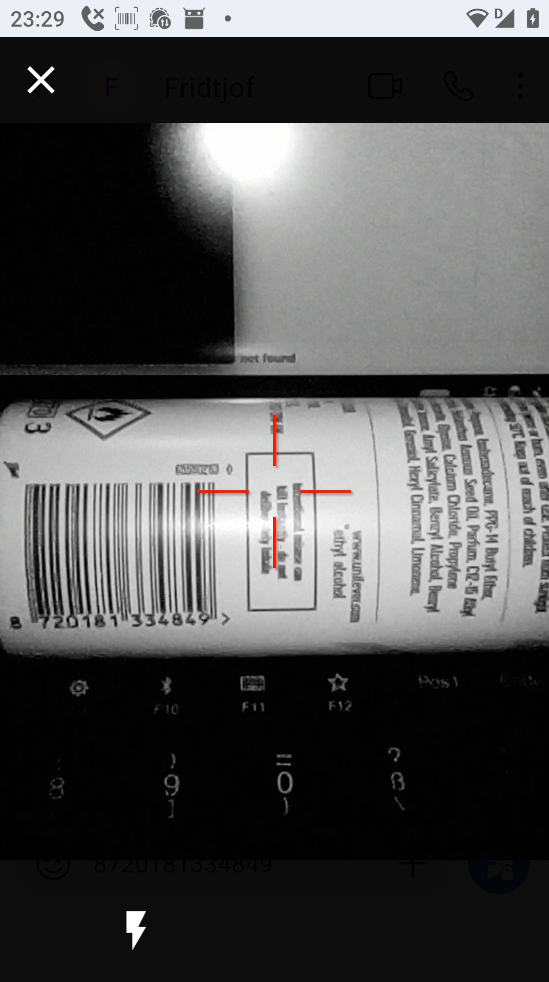
Barcode Scanner
In order to make the barcode scanner work, there is some configuration to be done.
Step 1
Configure a button to trigger the barcode scanner.
Settings > Ascom Settings > Button configuration
Step 2
Configure an application profile:
Settings > Ascom Settings > Barcode scanner
This can either be bound to a specific package name (and activity), but also supports wildcards. So a package name of '*' will make it available everywhere.
Step 3
In the application profile, configure either:
- keypress output (classic, like a regular USB barcode scanner) or
- intent output (better, but the app needs to support it)
Press the button!
Notification LED
This one does not seem to be tied into Android notifications, unfortunately...
There is an Android intent to set it, though it is Ascom specific so nothing implements it. Maybe it could be bridged to the notification system by someone with more Android skills though!
intent with action com.ascom.myco.alertindicator.action.CONFIGURE_LED
- intent data contains extra data, key "key_led_configurations", bundle data:
- key_led_alternate_rgb - unknown?
- key_led_off - off period in ms
- key_led_on - on period in ms
- key_led_rgb - rgb value
Otherwise, it seems to light up when charging the battery is finished.
Ascom Wifi Settings Menu
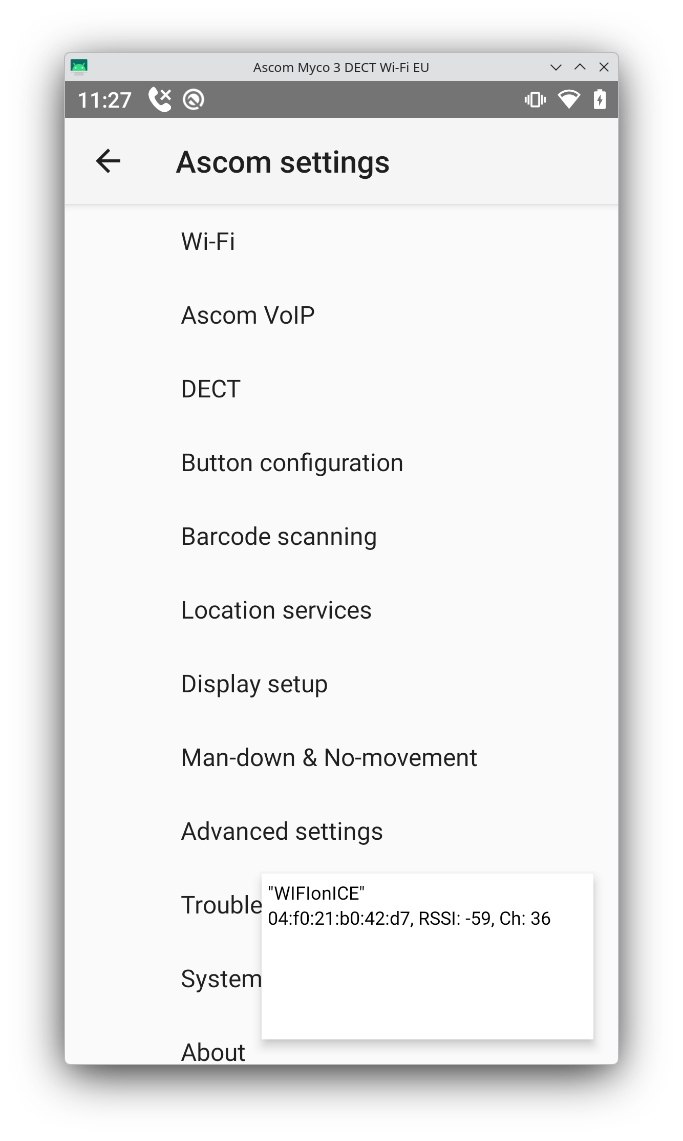
Different from Android's Wifi settings, has settings for regulatory domain, channel selection and lets you display an overlay for site/channel surveys.
Found in Settings > Ascom Settings > Wifi.
This one has a password set by default, which is "40022".
Logging in
After subscribing to a DECT system, the phone will insist you log in. Of course, this is specific to Ascom DECT systems, and will probably not just work with other vendors. What's annoying about this is that there will be a persistent notification declaring calls are not possible (they very much are). It also complains (read: vibrate and beep angrily every minute) quite a lot, unless that notification is muted.
In any case, this could probably be spoofed easily by using rfpproxy on a Mitel system. Stay tuned! :3